
Election Form 8 – Complete Step-by-Step Process
What is Election Form 8?
Form 8 is used for:
- Correction of details in the Electoral Roll
- Shifting of residence within the same constituency
- Replacement of voter ID (lost/damaged)
- Updating photo or personal particulars
Form 8 is issued under the provisions of the Representation of the People Act, 1950 and administered by the Election Commission of India.
When Should You Use Form 8?
Use Form 8 in the following situations:
- Name spelling mistake
- Incorrect age/date of birth
- Gender correction
- Change of address within same Assembly Constituency
- Photo update
- Mobile number/email update
- Replacement of lost EPIC card
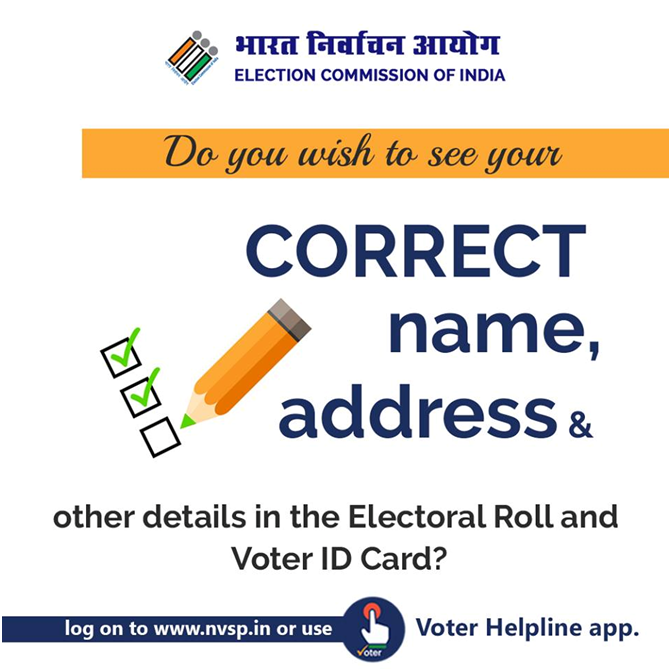
Where to Apply?
- Online Mode (Recommended)
- National Voters’ Services Portal
- Voter Helpline Mobile App
- Offline Mode
Submit Form 8 to:
- Booth Level Officer (BLO)
- Electoral Registration Officer (ERO)
- Assistant Electoral Registration Officer (AERO)
Online Form 8 Application – Step-by-Step Process
Step 1: Visit Official Website
Go to NVSP portal
Click on “Correction of entries (Form 8)”
Step 2: Login / Register
- Register using mobile number & OTP
- Login to dashboard
Step 3: Select Type of Correction
Choose what you want to update:
- Personal details
- Photo correction
- Address shift within constituency
- Replacement of EPIC
Step 4: Enter Voter Details
Provide:
- EPIC Number (Voter ID Number)
- State
- District
- Assembly Constituency
- Existing details
- Corrected details
Step 5: Upload Supporting Documents
Documents Required (Based on Correction Type)
For Name / DOB Correction
- Birth Certificate / SSC Certificate
For Address Change
- Aadhaar Card
- Driving License
- Bank Passbook
- Utility Bill
For Photo Update
- Passport size photograph
For EPIC Replacement
- Self-declaration
Step 6: Declaration & Submit
- Confirm details
- Accept declaration
- Submit application
You will receive a Reference Number for tracking.
How to Track Form 8 Status?
- Visit NVSP portal
- Click “Track Application Status”
- Enter Reference Number
Field verification may be conducted by the Booth Level Officer.
⏳ Processing Time
- Usually processed within 2–4 weeks
- After approval, updated details appear in Electoral Roll
- You can download updated e-EPIC
Offline Application Process
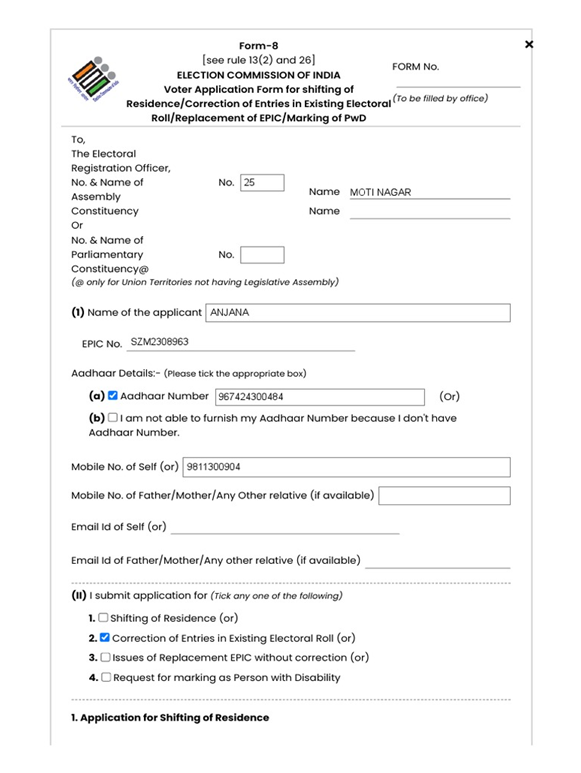
- Collect Form 8 from BLO/ERO office
- Fill the required corrections clearly
- Attach relevant documents
- Submit to BLO
- Verification & approval
Important Points to Remember
- Provide correct EPIC number
- Upload clear scanned documents
- Apply only within your existing constituency
- Multiple corrections can be done in one application
Why Form 8 is Important?
✔️ Keeps voter records accurate
✔️ Avoids voting issues on election day
✔️ Ensures correct identity details
✔️ Prevents legal complications
Form 8 is essential for maintaining accurate and updated voter records. Whether it is correcting your name, updating your address, or replacing a lost voter ID card, the process is simple and accessible through the NVSP portal. Every voter should ensure their Electoral Roll details are correct well before elections to avoid last-minute complications.